With her Chromebook starting to glitch and her display dimming, senior Selah Choi tentatively opens a new tab, only for the screen to become unresponsive and briefly black out.
“I have a national brief that I’m doing for Academy History, and I literally could not do it one day because my Chromebook kept switching on and off every time I had all the tabs open for all my sources,” Choi said.
What she has seen change on her Chromebook is that it is slow and glitchy, and a lot more things are blocked, including things she needs to view, such as maps, Choi said.
Several new changes were implemented on all district-issued Chromebooks in the 2026-2027 school year. The largest change was the full deployment of the device monitoring platform GoGuardian following a four-week pilot program last school year.
Running additional software may cause some performance decline on Chromebooks, but any impact should be minimal, and perceived differences in speed and battery life could be accounted for by variance in processor specifications from year-to-year, said Ryan Manly, senior manager of technology services.
“Age should have no measurable impact on perceived performance,” Manly said.
GoGuardian declined to be interviewed for this article.
“The core goals [behind implementing GoGuardian] remain focused on reducing digital distractions, such as social media, ensuring the responsible use of AI and other technologies and providing teachers with the tools they need to manage the digital classroom and support student learning effectively,” Manly said.
“This classroom management tool allows teachers to view students’ browsing activity during active class sessions,” Manly said.
According to French teacher Marie-Juliette Petrini-Poli, “Primarily, I found I used [GoGuardian] for the kids that were playing games or unfocused, when in my head I say, ‘Oh, I feel like someone’s not doing what they need to do,’ then I go check.”
According to Choi, she feels a slight invasion of privacy because teachers can see everything she is doing through screen monitoring, including private information such as college applications and personal projects.
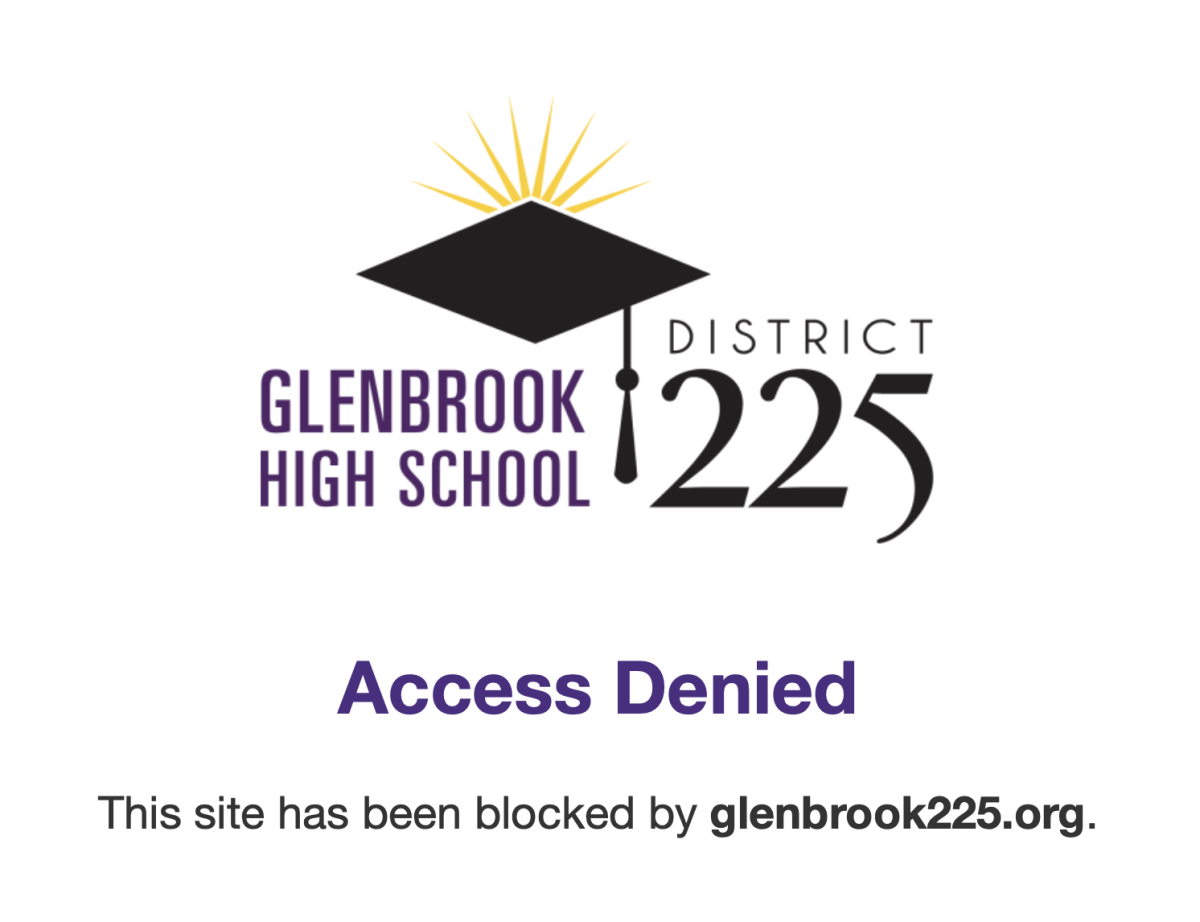
In addition to its screen monitoring capabilities in the classroom, GoGuardian includes a 24/7 content filter that automatically blocks harmful or inappropriate websites.
“In anatomy the other day, I had to look up different body systems, and I couldn’t Google some of them because of the GoGuardian filter,” senior Samara Sokolowski said.
“It wasn’t even anything that they might normally want to censor, so I think that obviously it could be useful, but I think the filter is too restrictive,” Sokolowski said.
In cases where seemingly appropriate pages are blocked, students, staff and faculty can email the Help Desk with the URL and a screenshot, if appropriate.
“GoGuardian Admin relies primarily on categorical block lists to filter content based on defined categories [such as] social media, gaming or inappropriate material,” said Manly. “Beyond the categorical lists, GoGuardian also employs an AI analysis component to dynamically evaluate and block inappropriate content that might make it through the initial filters.”
According to Choi, she thinks the implementation of GoGuardian has been good in many ways, but it also has consequences that are worse, like the unnecessary blocking of some resources.
“Based on my experience with it, [GoGuardian] should stay in place, but I think that [policymakers] need to be more specific about what they’re limiting,” Choi said.